01Choose your challenge
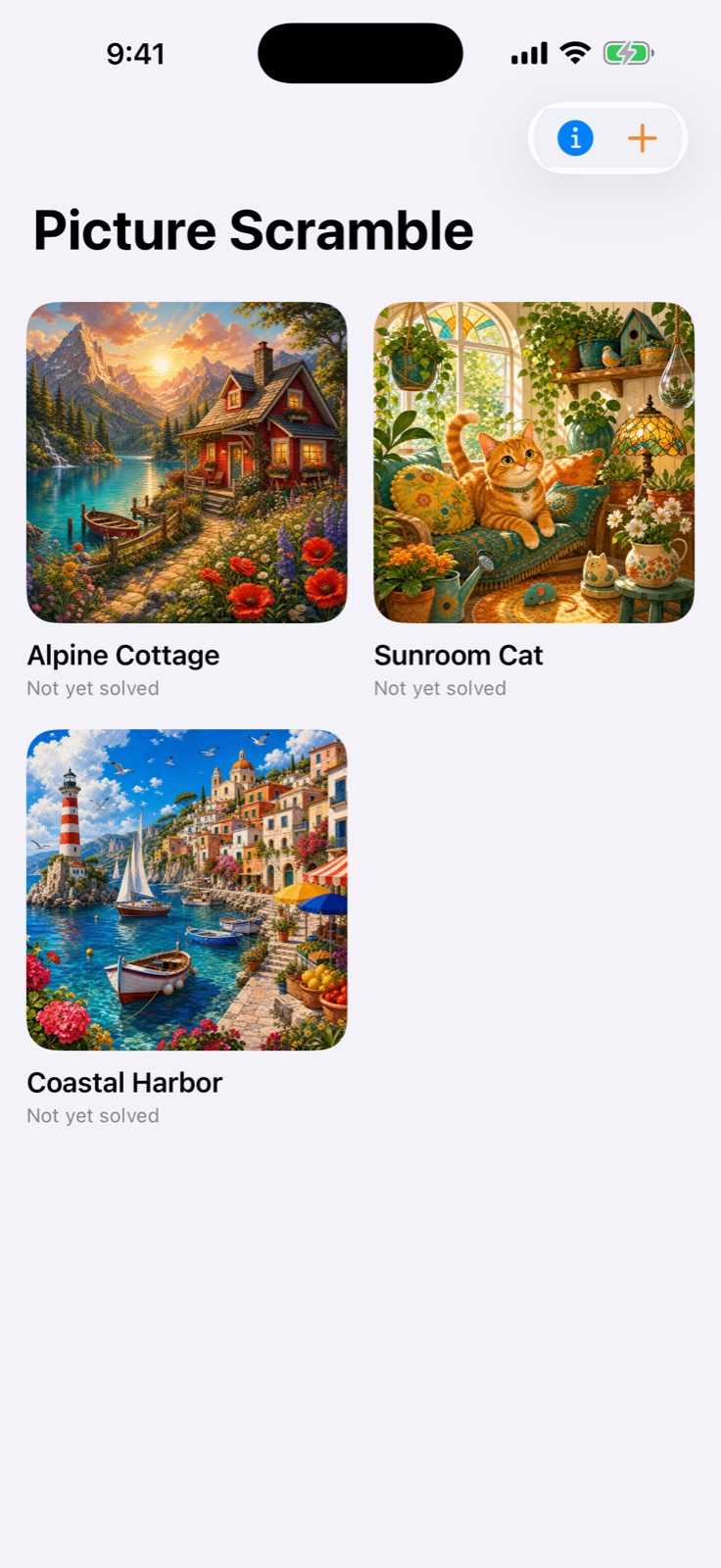
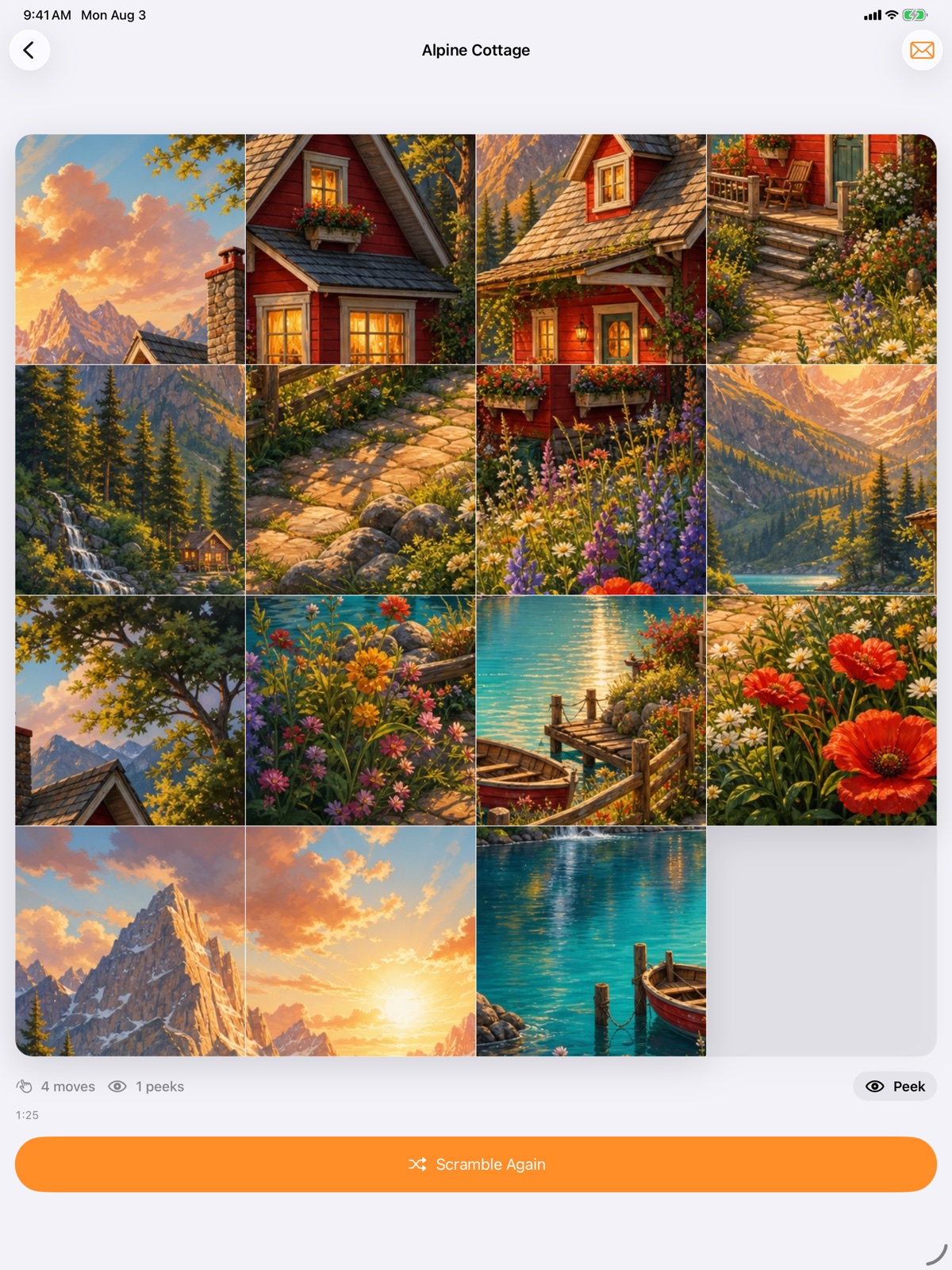
Play every puzzle as a 3 × 3, 4 × 4, or 5 × 5 board. Records are kept separately for each puzzle and size.
02Make it yours
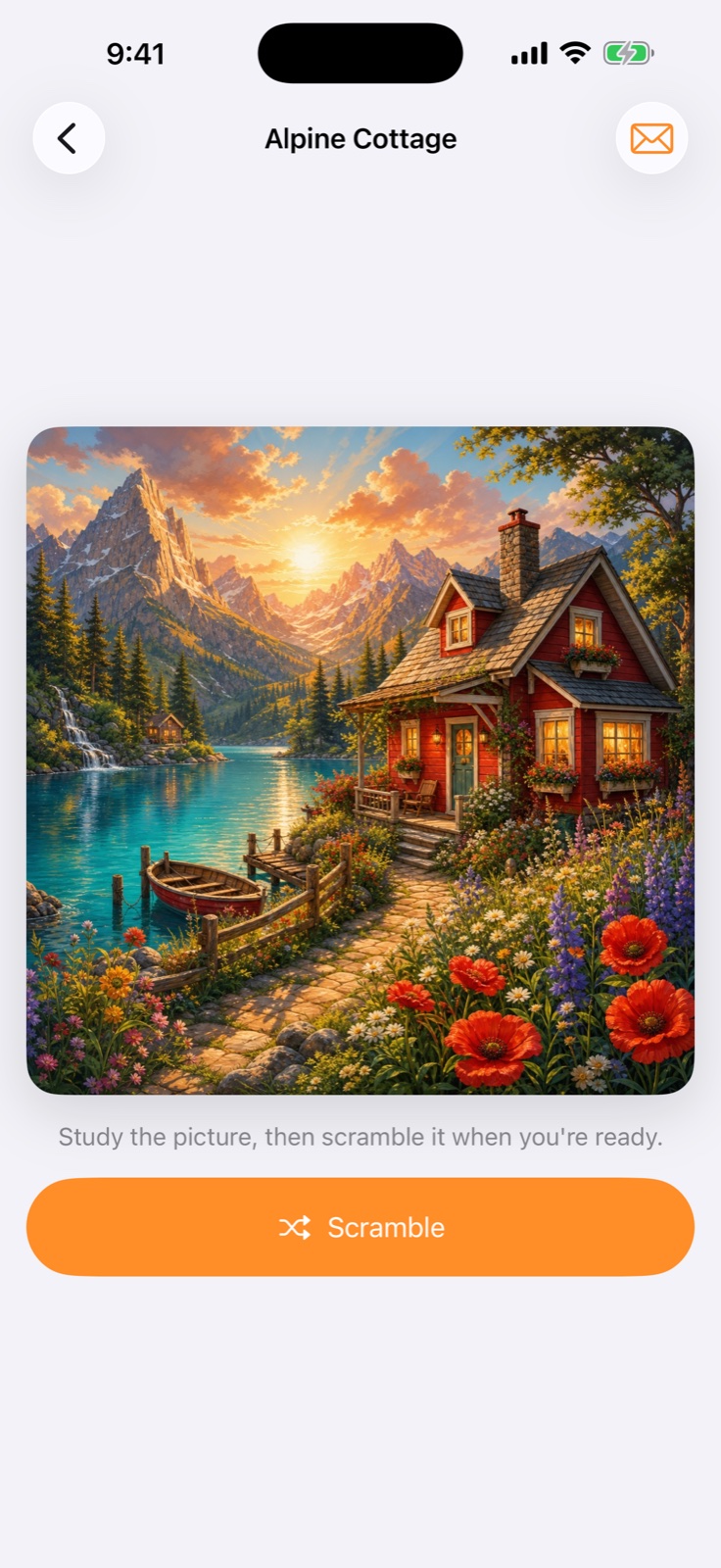
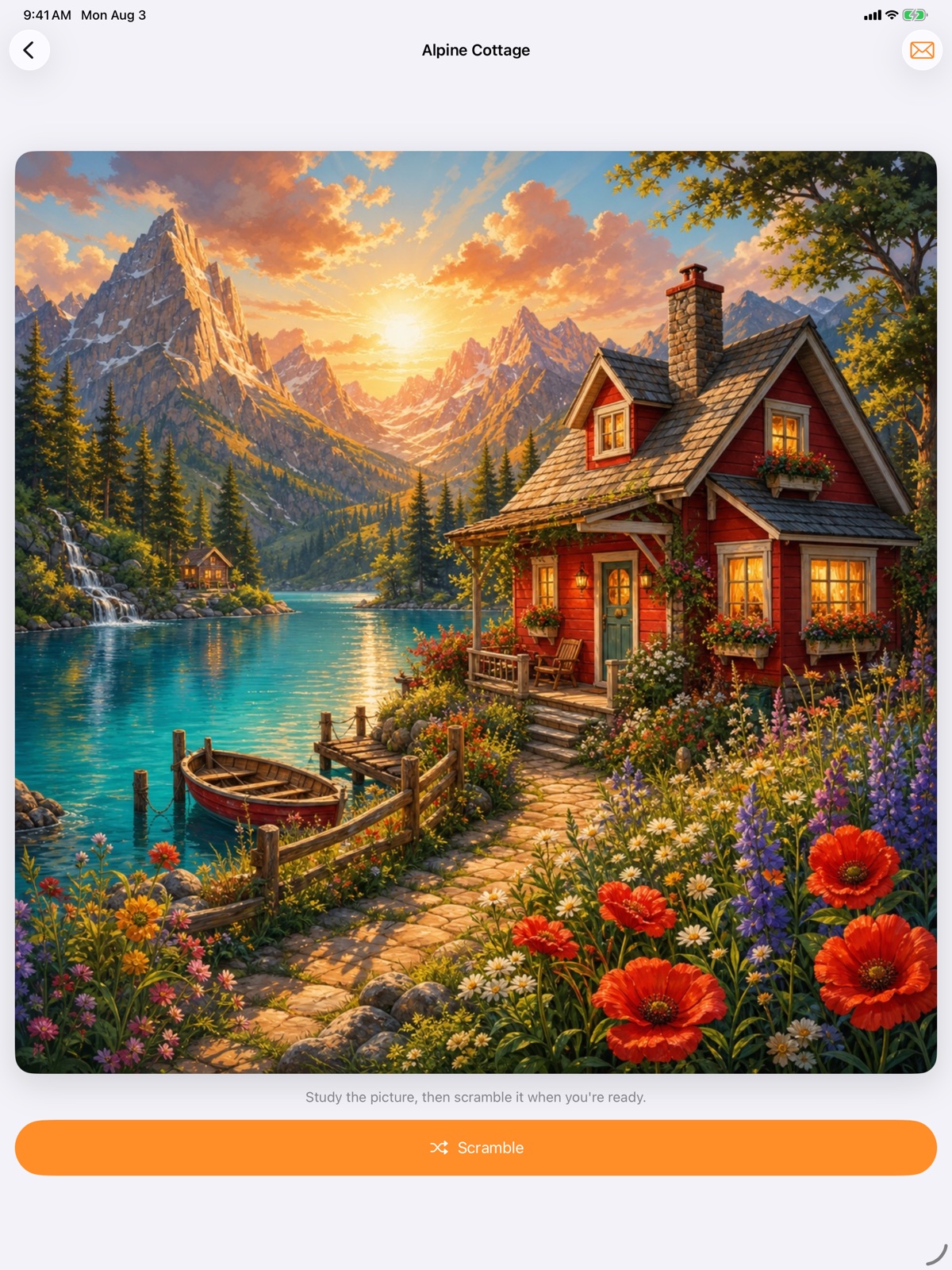
Choose any photo, crop the perfect square, name the puzzle, select its missing tile, and pair it with a music loop.
03Slide naturally
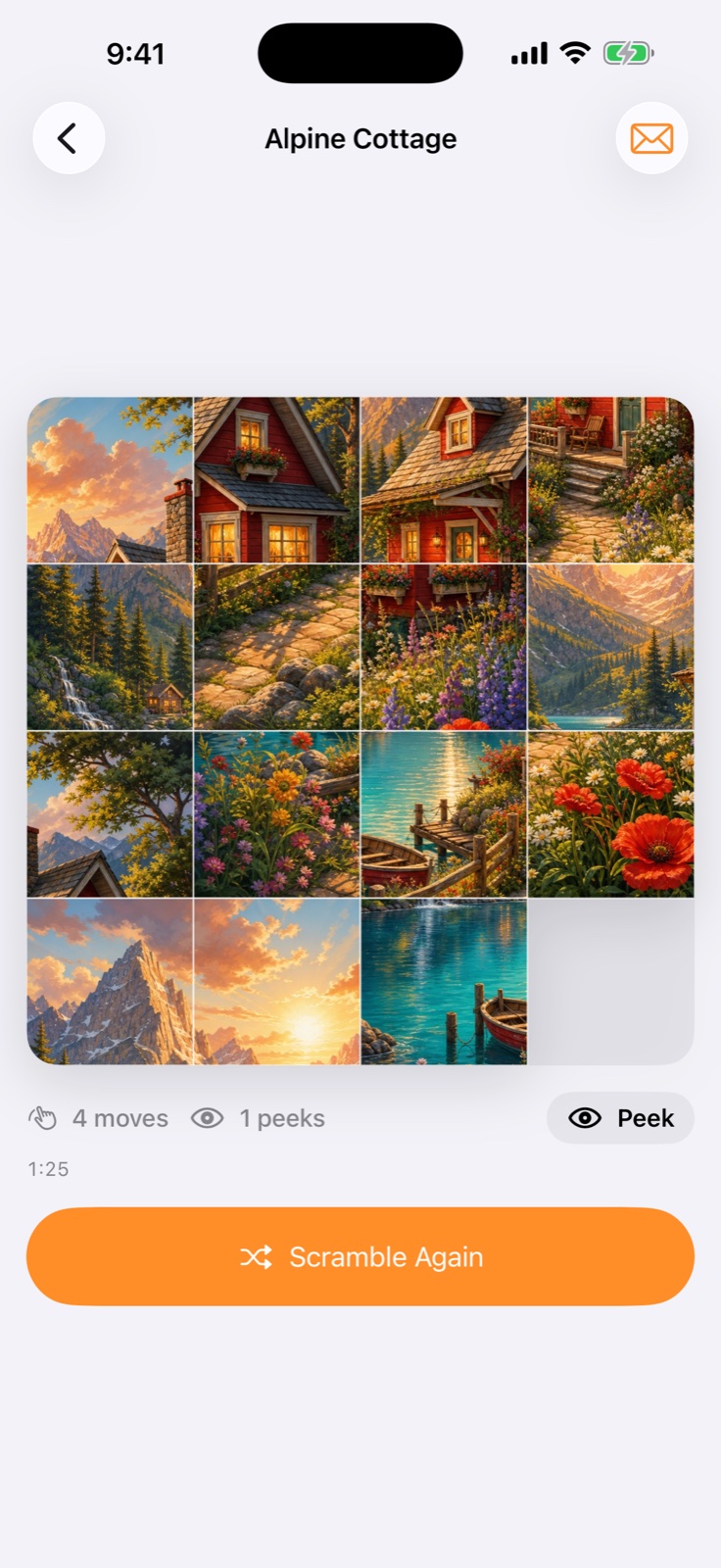
Swipe one tile or an entire row or column toward the empty space. A multi-tile slide still counts as one move.
04Pick up where you left off
Unfinished puzzles retain their board, statistics, selected music, and background-aware elapsed time.
05Improve every solve
Track moves, peeks, time, best scores, and total solves. Touch and hold a record to compare all three puzzle sizes.
06Find the right puzzle
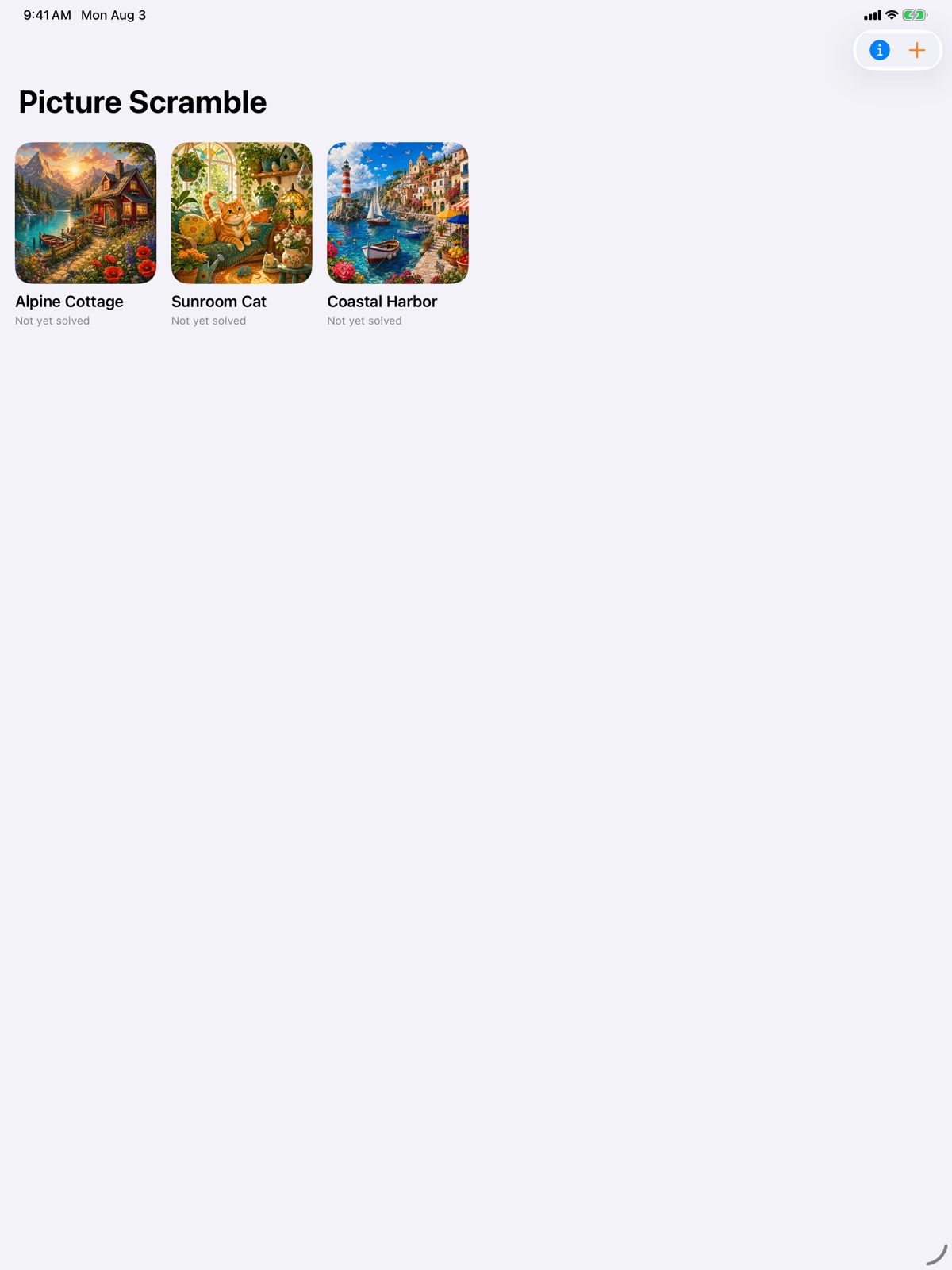
Search by name, filter unsolved or resumable puzzles, and order the library manually, alphabetically, by pack, or by recent play.
07Ask for a hand
Use guided or automated help for one tile—or for a complete solution—without affecting your unassisted records.
08Replay every move
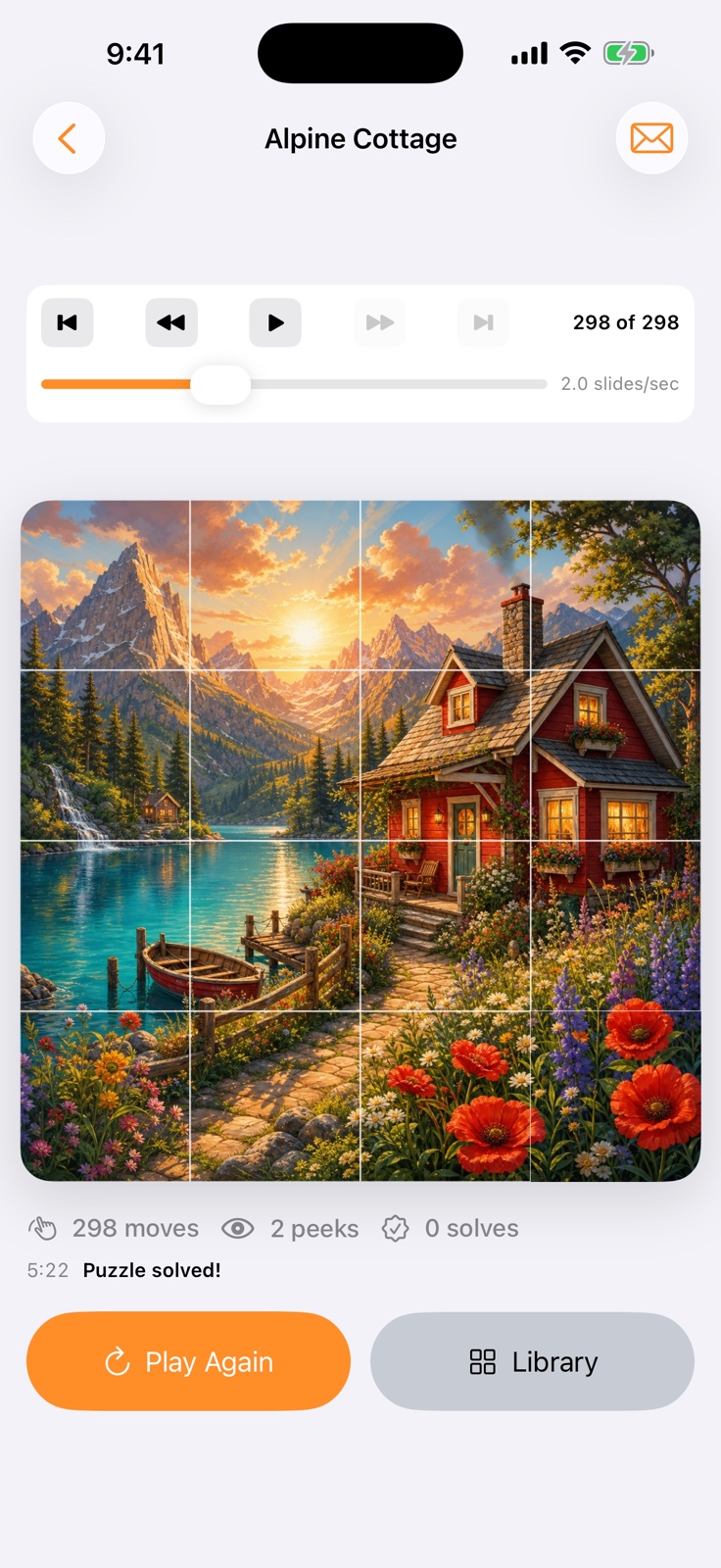
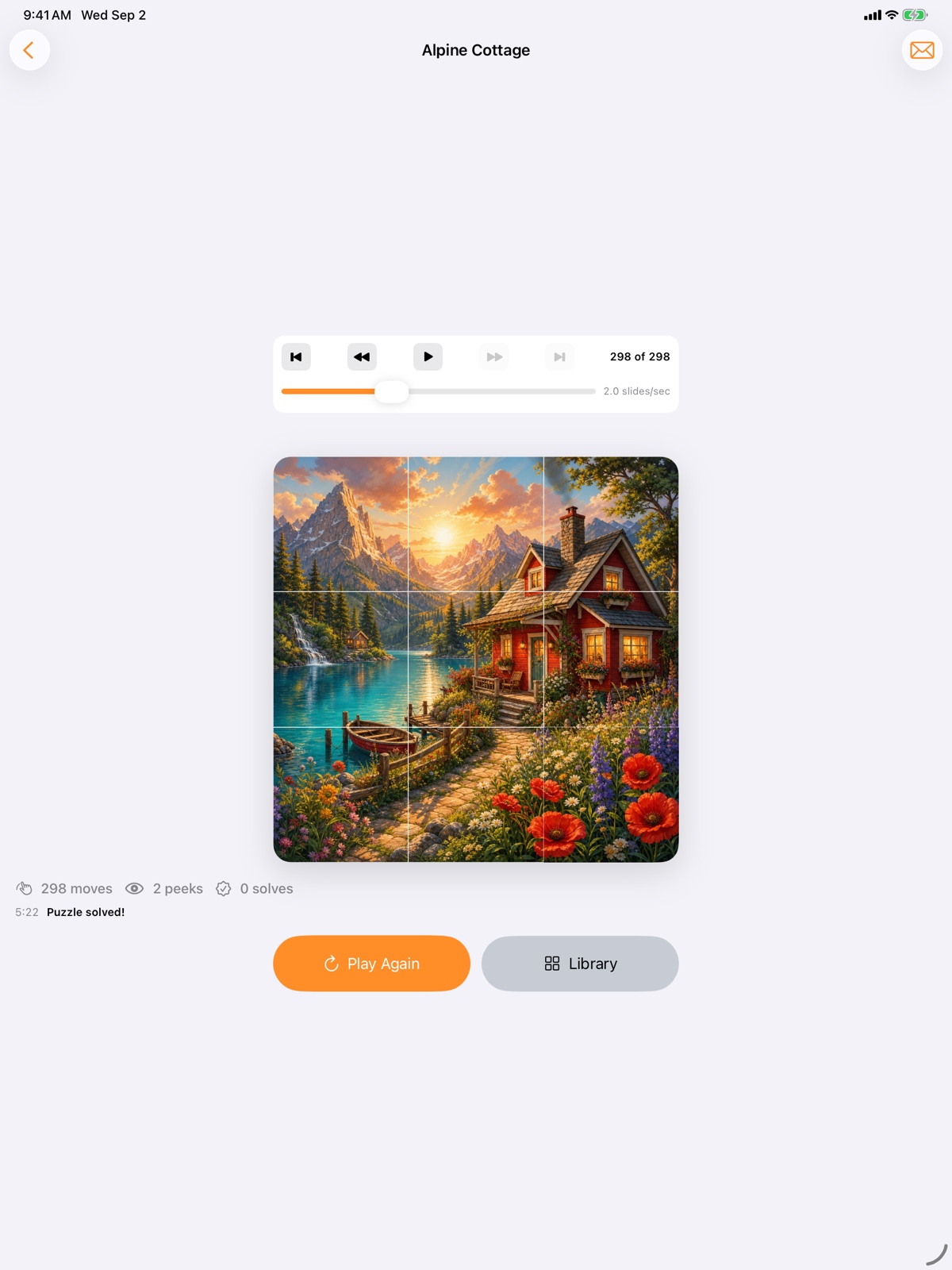
After a win, step through the recorded solution or play it back at an adjustable speed.
09Share the challenge
Send a browser-playable version by email. Custom puzzles can also be imported into Picture Scramble on another device.
10Choose the atmosphere
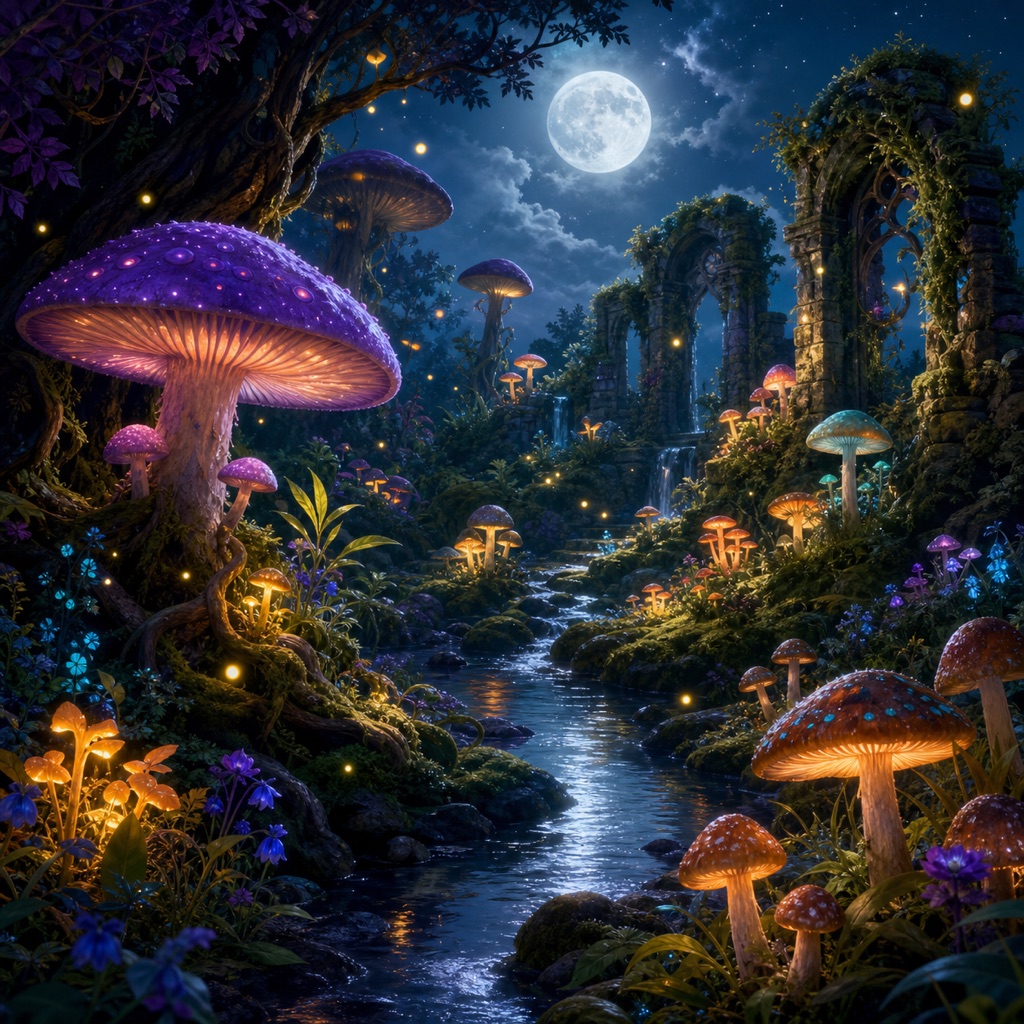
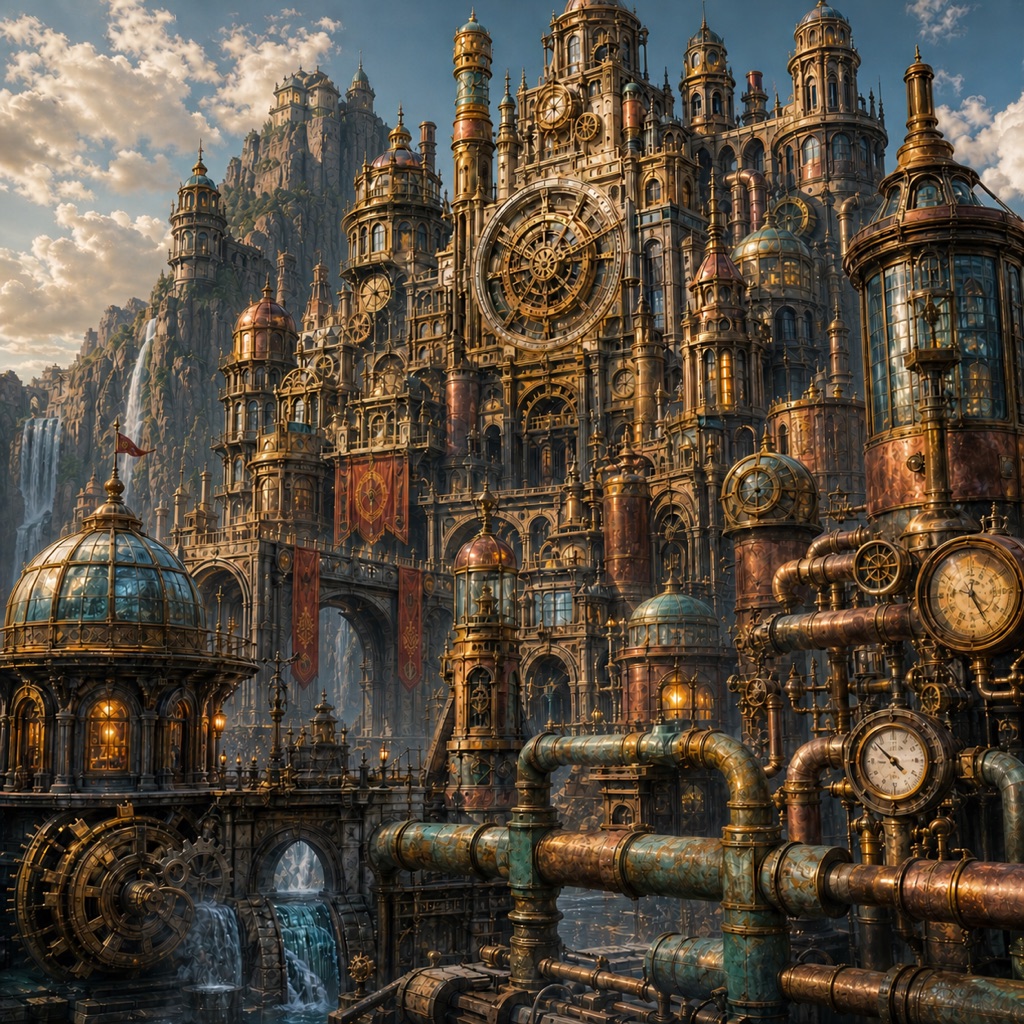
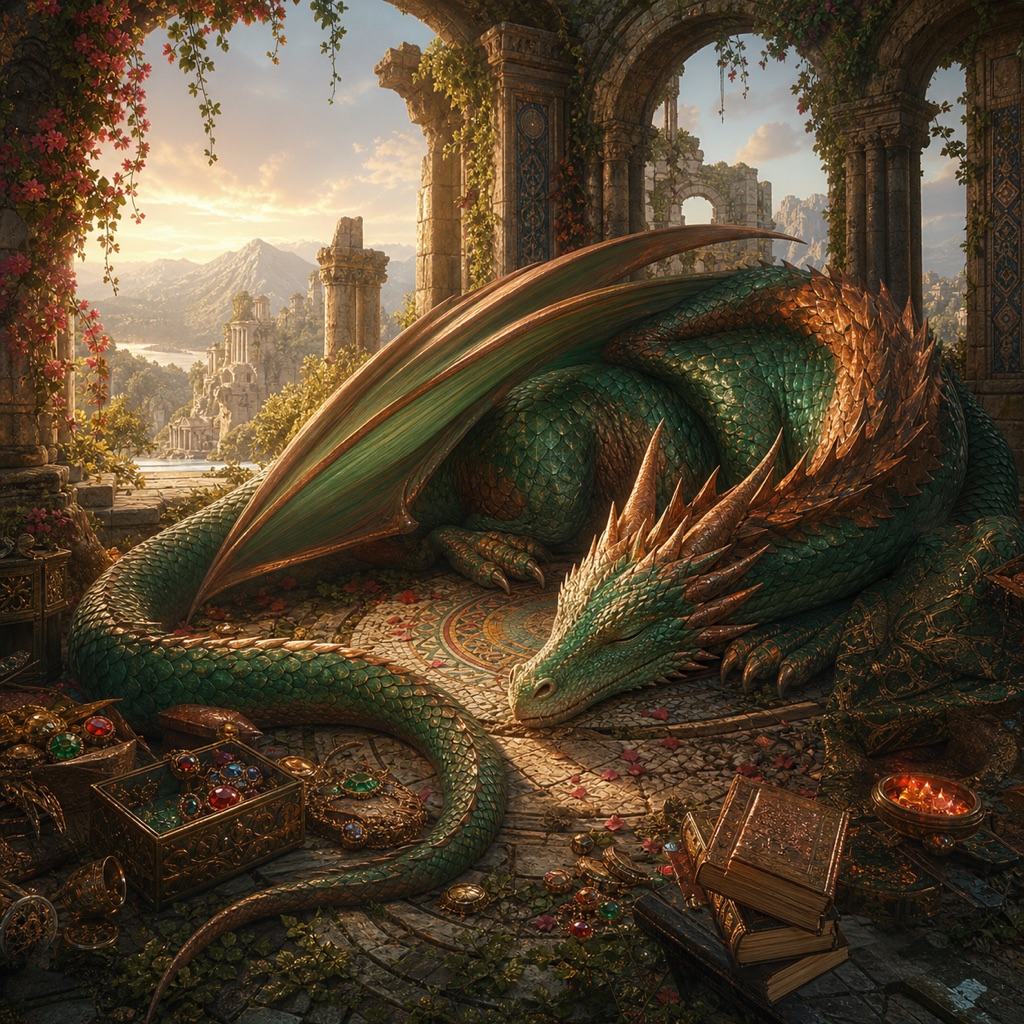
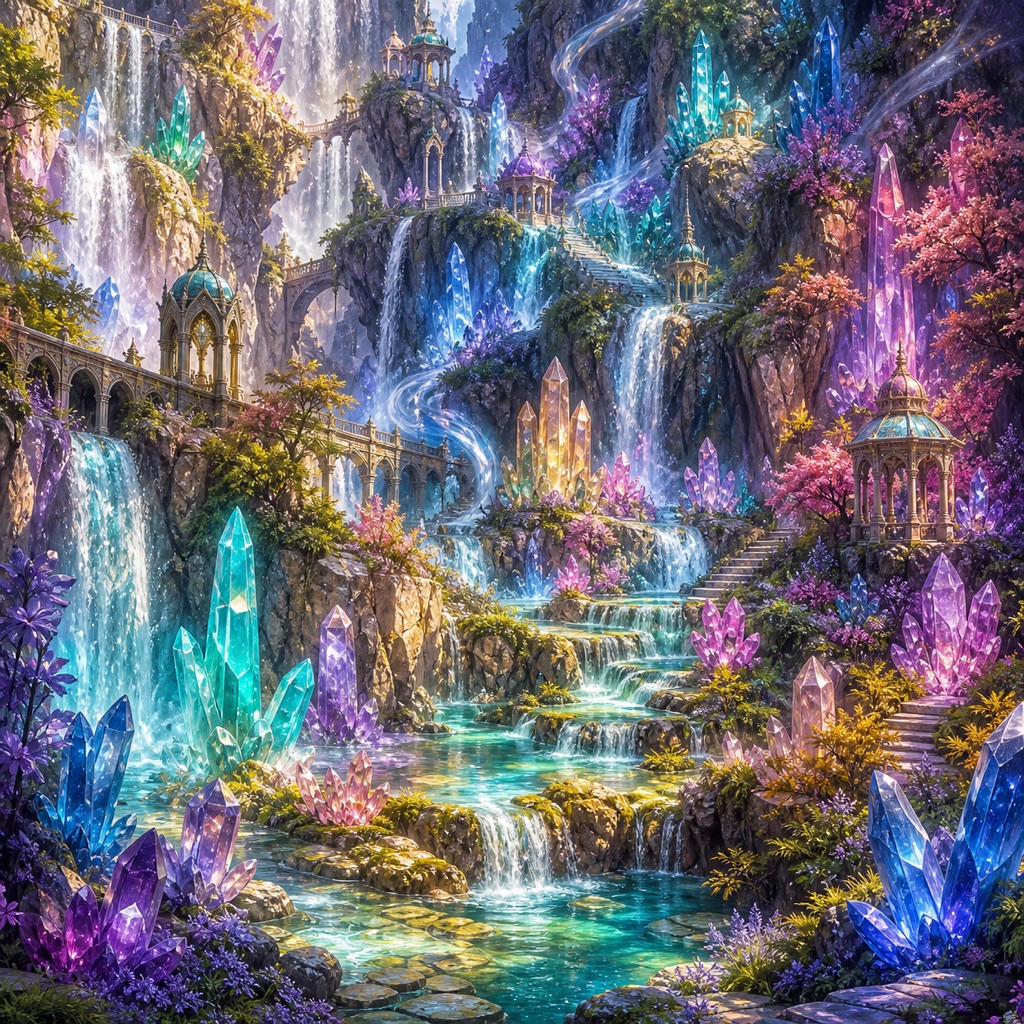
Select a favorite music loop, let the app choose at random, or turn music off. Optional puzzle packs add art, music, and animated details.
11Learn as you go
Brief guided tours introduce each part of the app and can be replayed from Help.